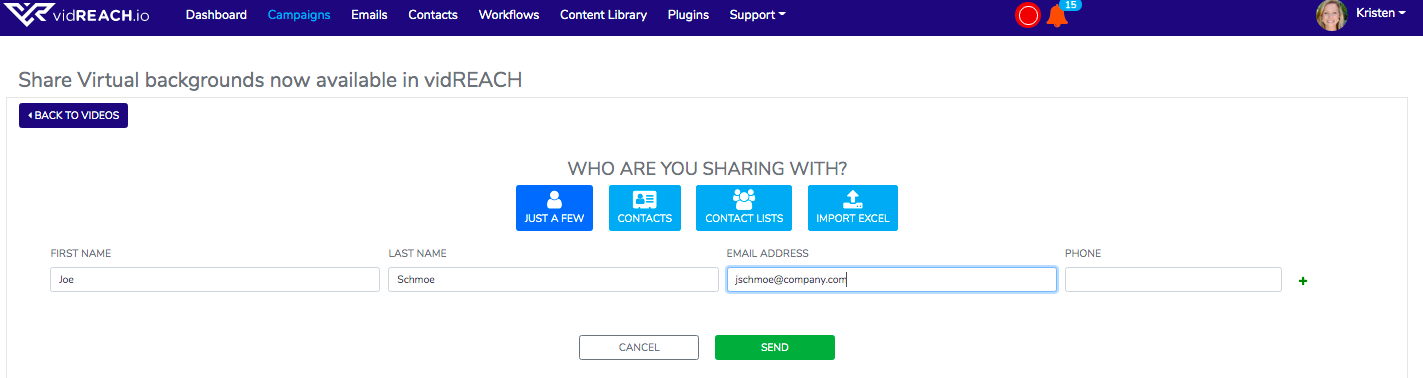
To send your campaign or email to one or a few contacts through the Vidreach portal:
- Select sending option through the Vidreach portal
- Select 'Continue' on viewing your preview
- Add in your contact's first and last name and email address
- Hit send!
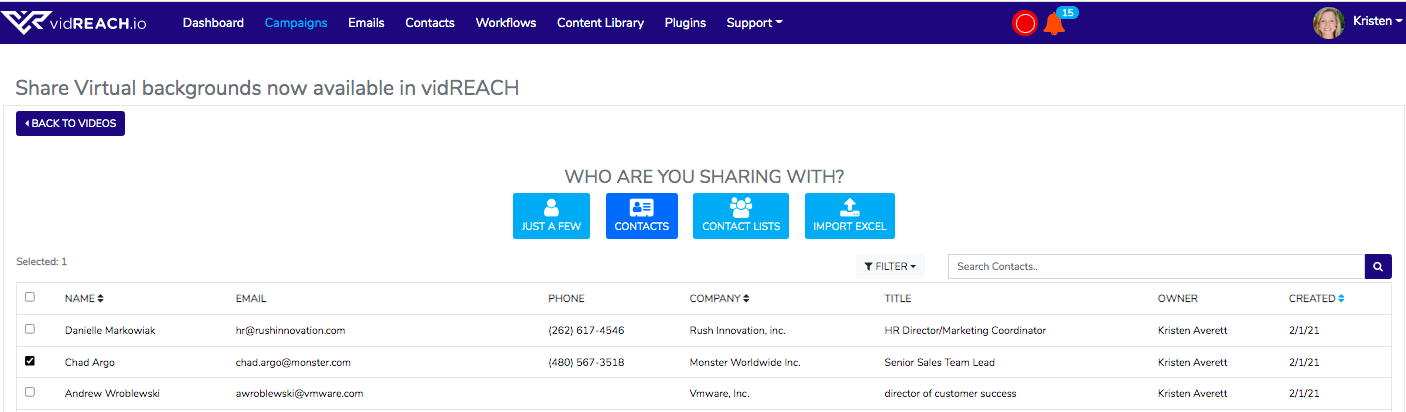
If you have uploaded contacts into Vidreach already, you can select the 'Contacts' tab and select the contact/s you'd like to send to: