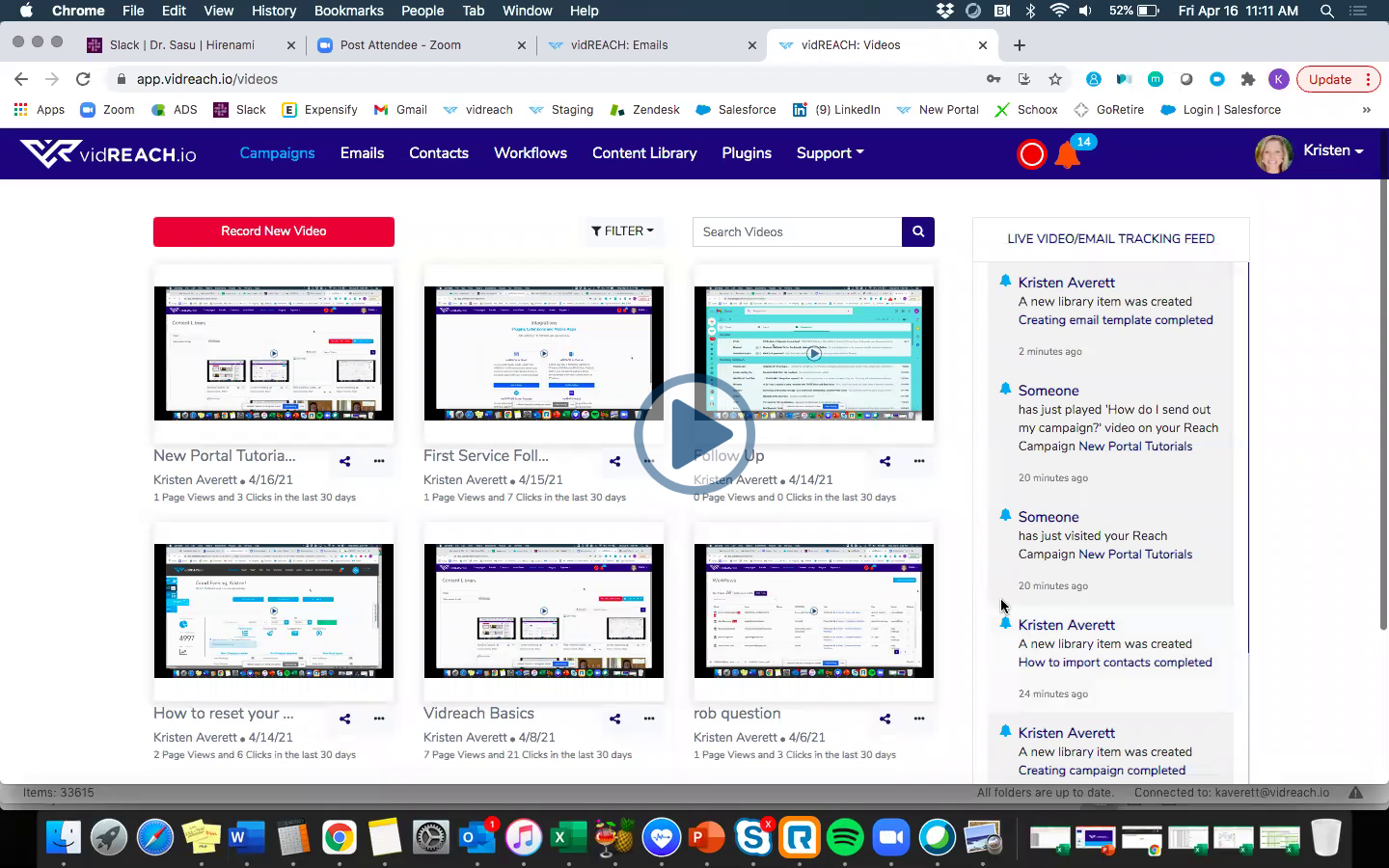
To create a screen recording you'll need to make sure you have the VidCapture Plug In downloaded:
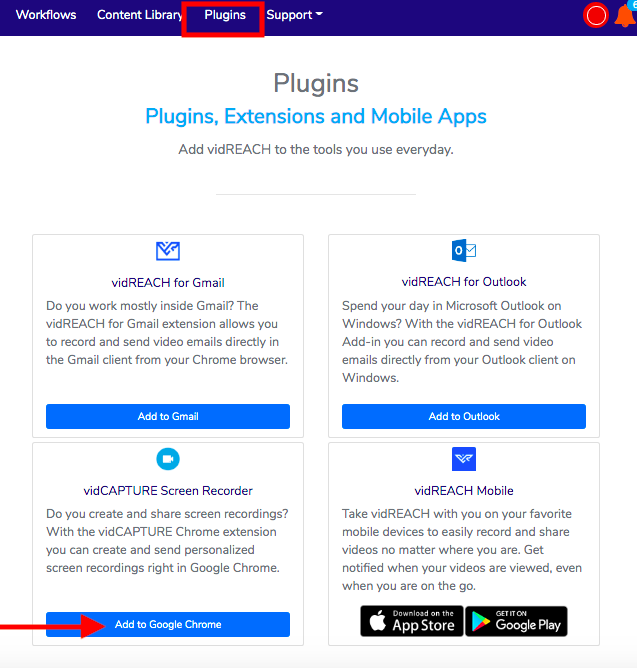
Once you have the VidCapture plugin downloaded:
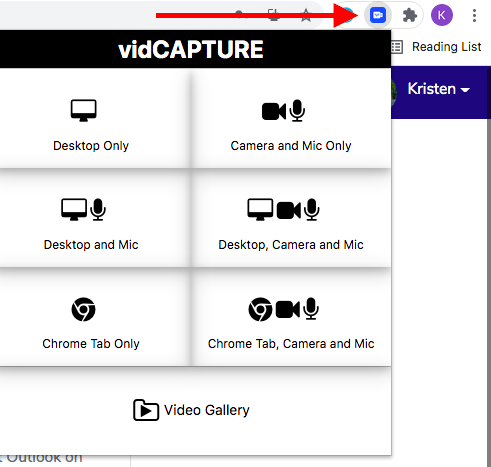
- Select the VidCapture plugin in your Google Chrome window and select which recording option you prefer
- Select your screen or application that you'd like to record
- Select 'Share'
- Once you are done sharing, select the 'Stop Sharing' and select the stop button on the Vidcapture plugin in Google chrome
- From there you can upload your recording straight into Vidreach or download to your computer
Here is a video tutorial of how to create your screen recording using VidCapture:
|
|