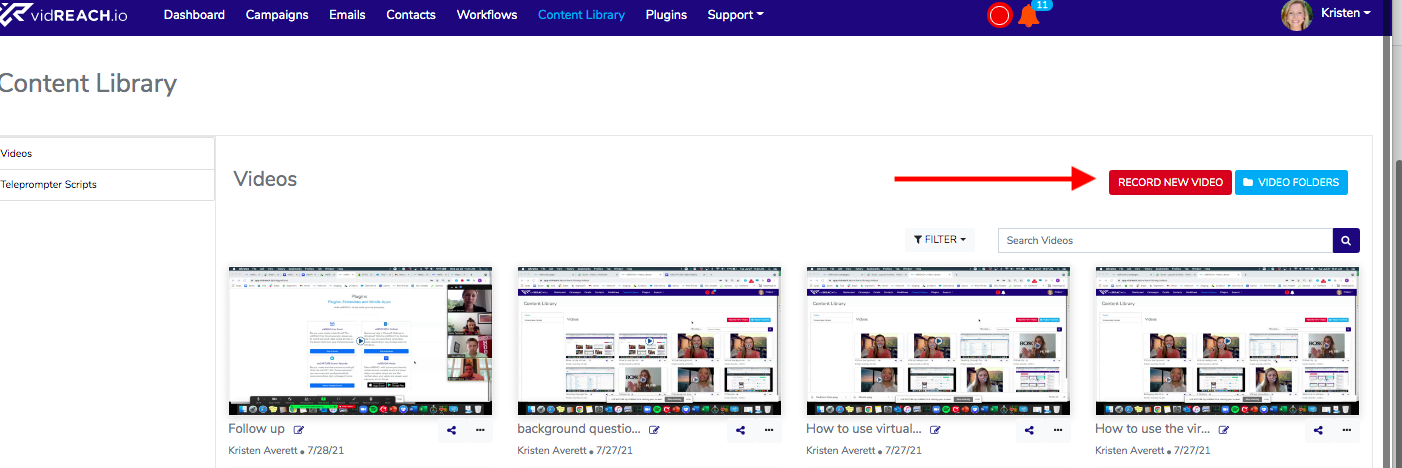
To record your video:
- Go to the Content Library
- Select the red button labeled Record New Video
- This will prompt your Google Chrome to connect your camera and microphone, select Allow
- Select the green button to Start Recording
- Once you are done recording you can hit your space bar or the stop button to stop your video
- Insert Video and name your video