
vidREACH is first and foremost an email platform. You can send simple text based emails as follow up in between your video emails or use vidREACH to send all emails so you can easily track engagement and see what emails are most effective in reaching your target audience.
To create your first email template:
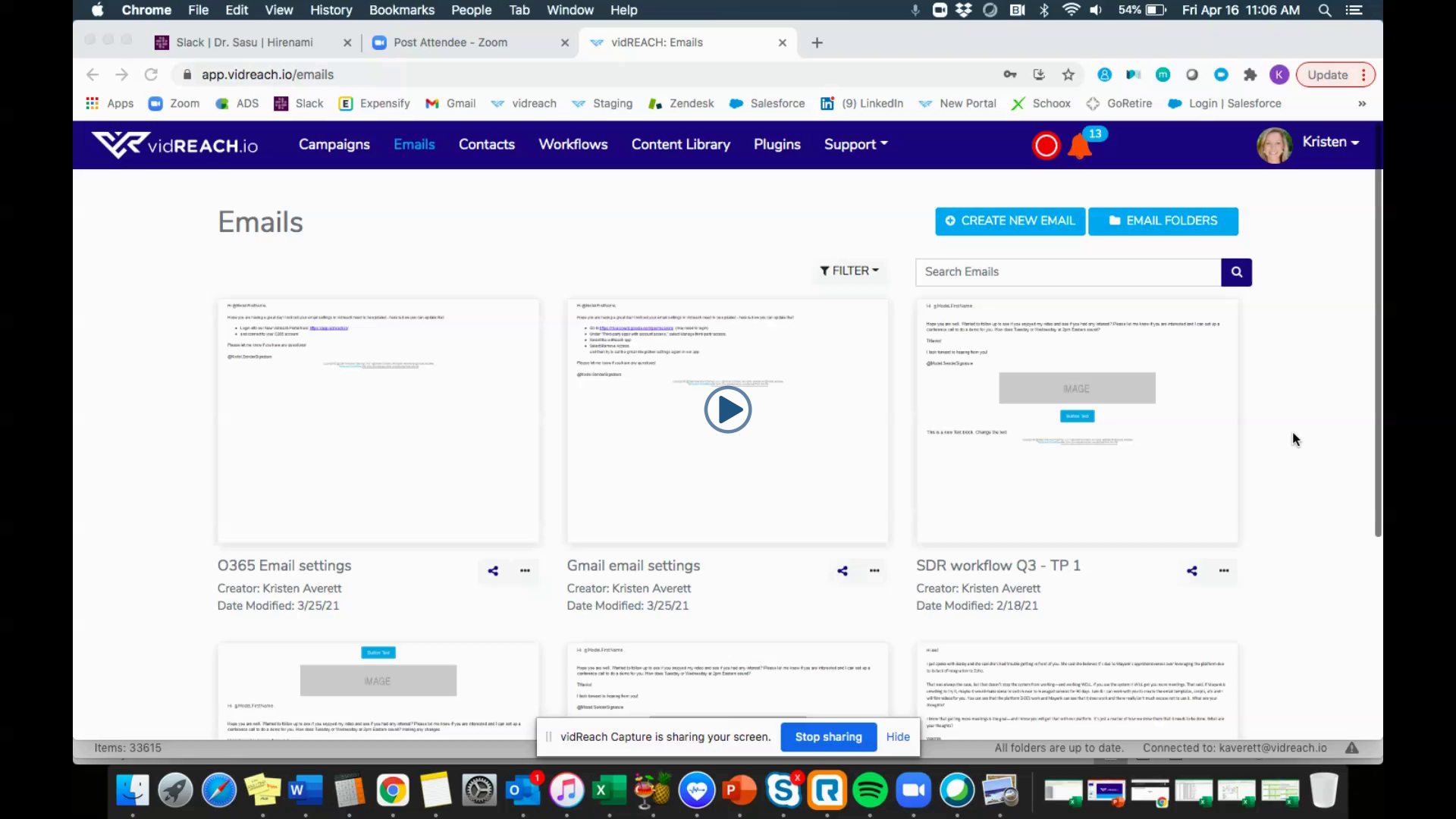
- Select 'Emails' module in your menu bar
- Select 'Create New Email'
- You can either create completely from scratch or use one of our email templates as a starting point
- Edit your email template - use the tiles on the right to drag and drop text, buttons, images etc. and edit
To send your email template:
Select the share option under your email template and select your sharing option:
- 'Just a few' use this option to send to 1 or a few contacts
- 'Contacts' use this options to select and send to contacts you have already uploaded into vidREACH Contacts tab
- 'Contact List' use this option to select to groups of contacts you have already uploaded into vidREACH Contact Lists (this is a great option for contacts that you want to send to repeatedly)
- 'Import' use this option to upload and send to a list of contacts (this is a great option for contacts that you only want to send to once)
Here is a video tutorial on how to create your email template:
 |