The Contacts tab in vidreach allows to import, add and store contacts in vidreach so you can easily send campaigns and emails to them. Here's how to import contacts and create contact lists:
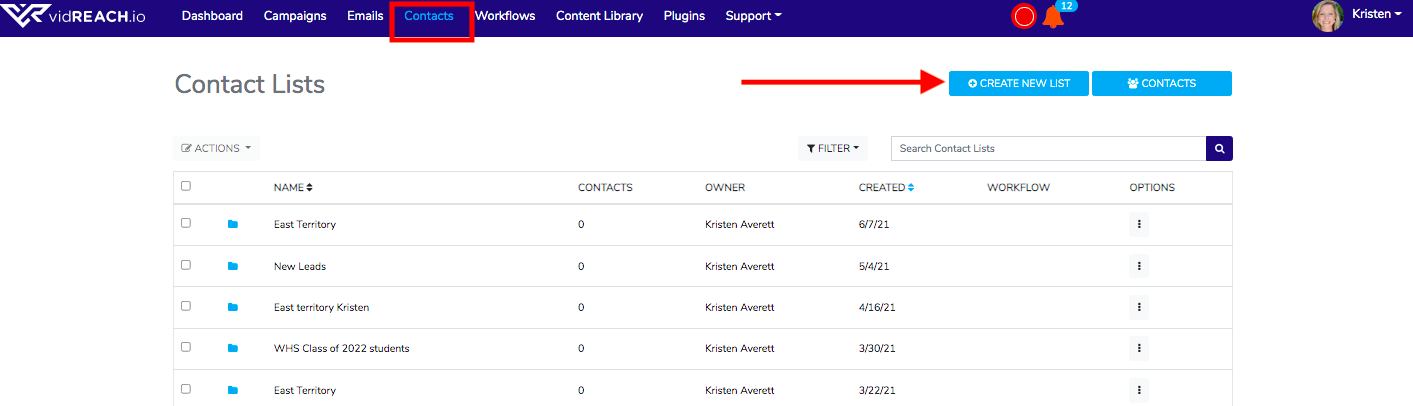
- Select Contacts tab in your menu bar
- To create a contact list, select Contact List, Select Create New List, type in contact list name and select Create
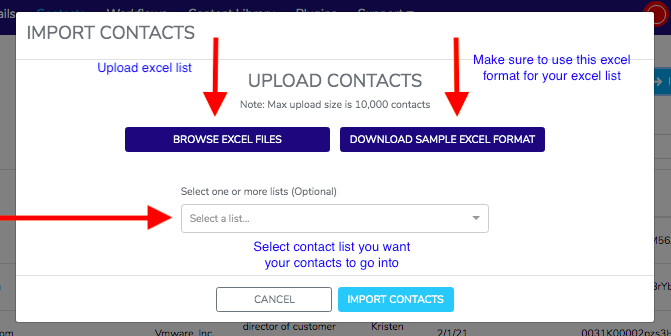
- Select Contacts and Import Contacts (Make sure to use the Sample Excel Format to have your excel list in the correct format)
- Select Contact List if you want to group those contacts in your contact list
- Select Import