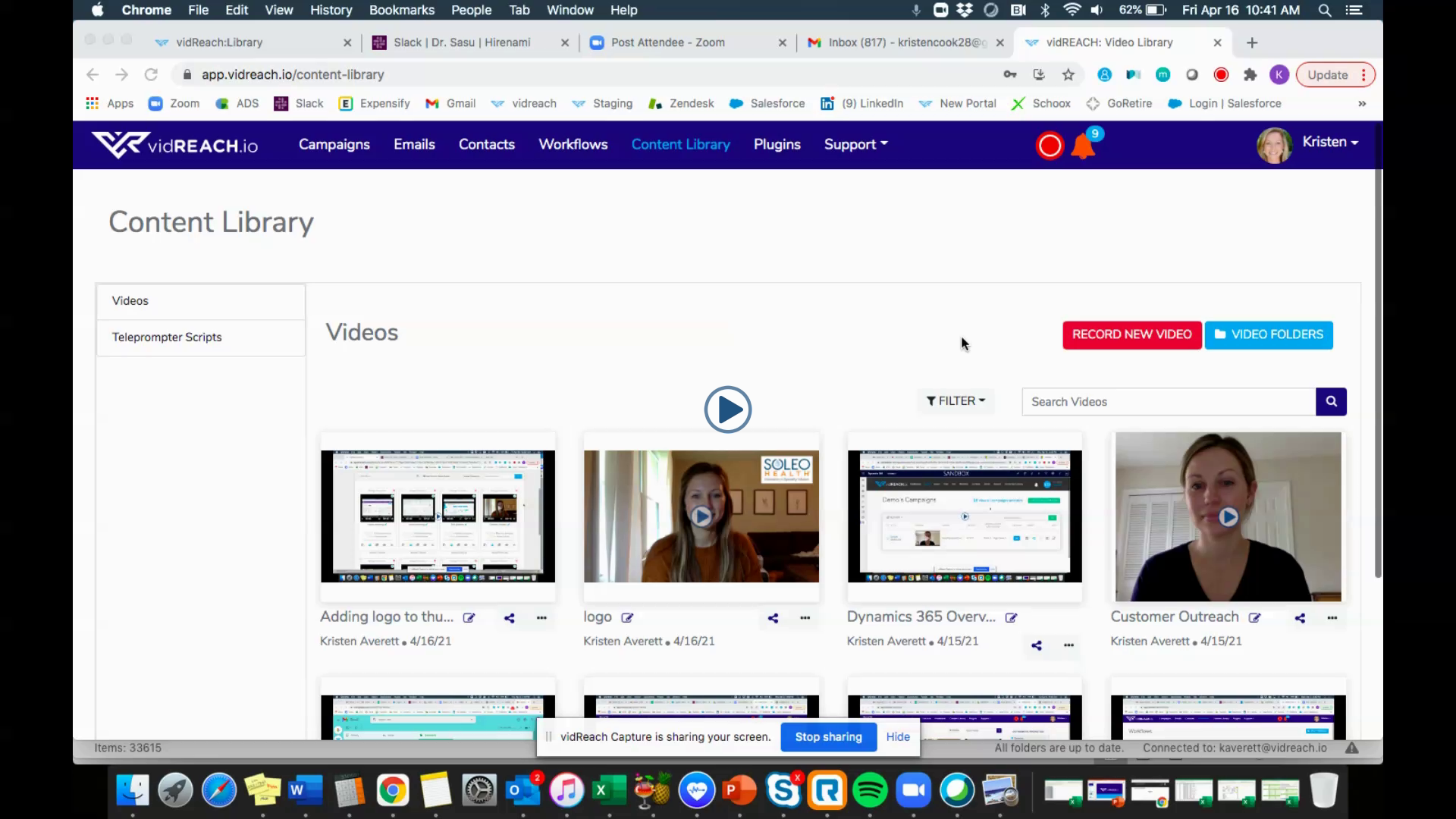
To create your first video email:
- Under 'Campaigns' select the red button labeled 'Record New Video'
- Fill out the email template with your subject line and email message
- Record your video or select a video from your video library that you pre-recorded
- In 'to:' field enter your email address so you can send yourself a test
- Select test and save
Here is a video tutorial on how to create your first video campaign:
|
|