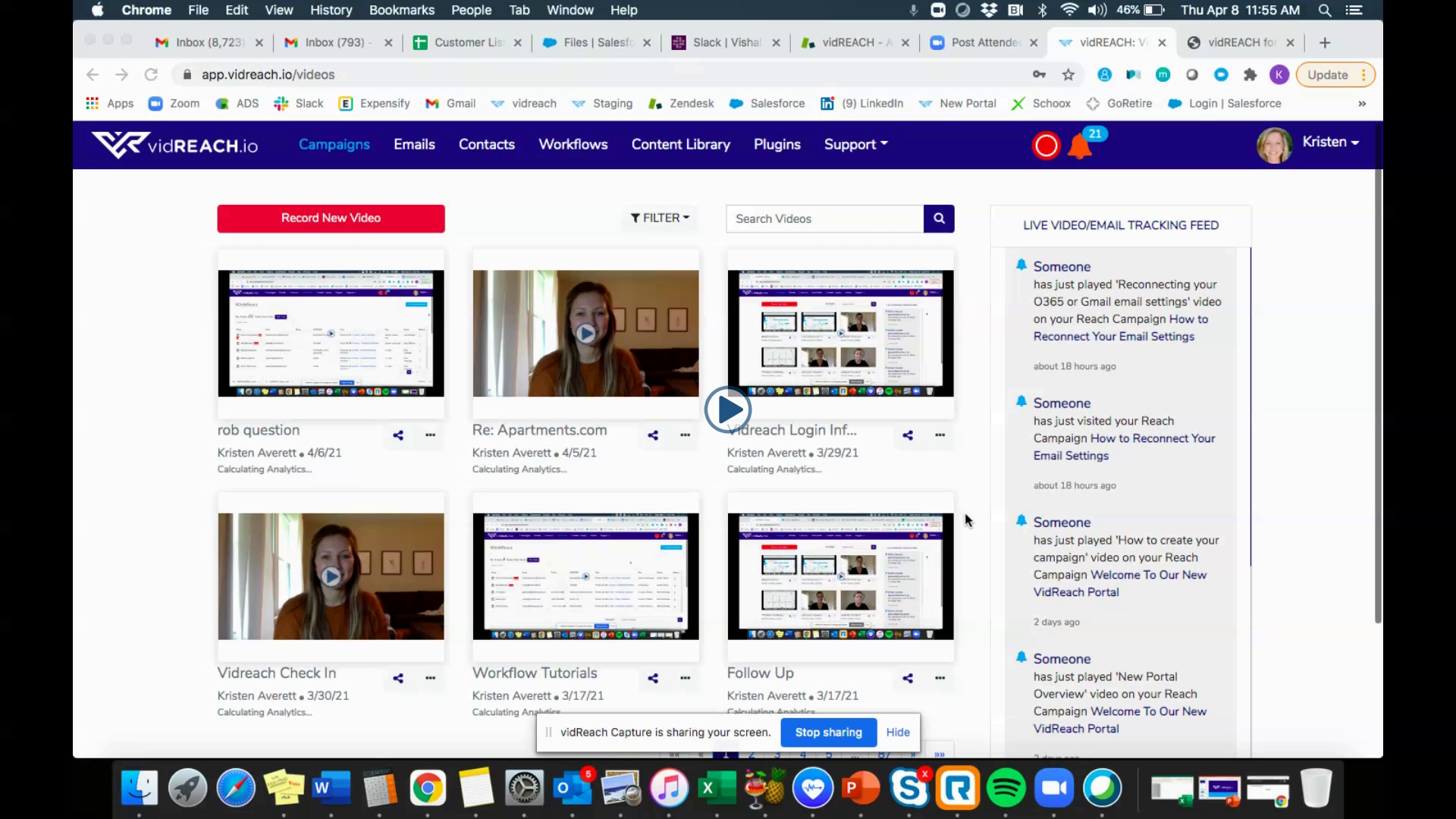
To send out your campaign:
- Go to 'Campaigns' and select the sharing option below the video you'd like to send out
- For each sending option you will need the contacts first name, last name and email address
- If you would like to also text them the video, add their phone number as well
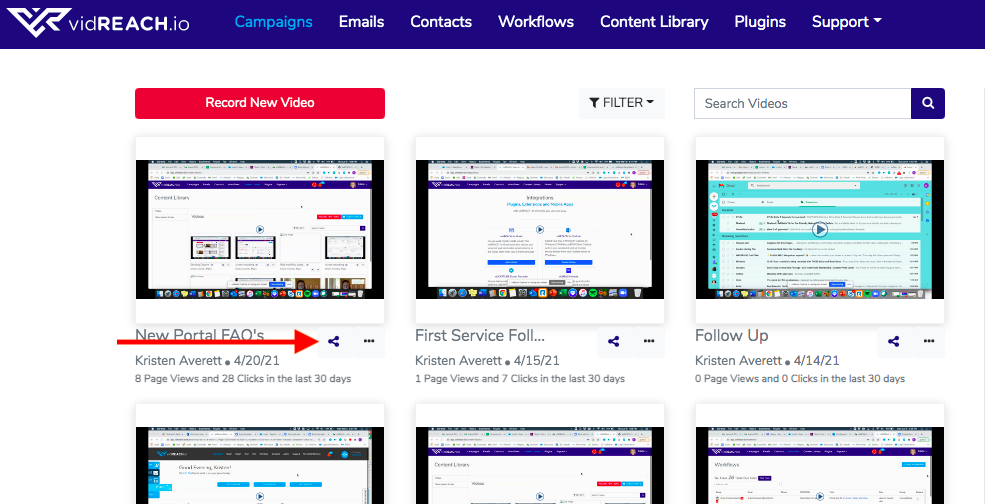
Here are your sending options:
- 'Just a few' use this option to send to 1 or a few contacts
- 'Contacts' use this options to select and send to contacts you have already uploaded into vidREACH Contacts tab
- 'Contact List' use this option to select to groups of contacts you have already uploaded into vidREACH Contact Lists (this is a great option for contacts that you want to send to repeatedly)
- 'Import' use this option to upload and send to a list of contacts (this is a great option for contacts that you only want to send to once)
Below is a video tutorial of your sending options and how to send:
|
|