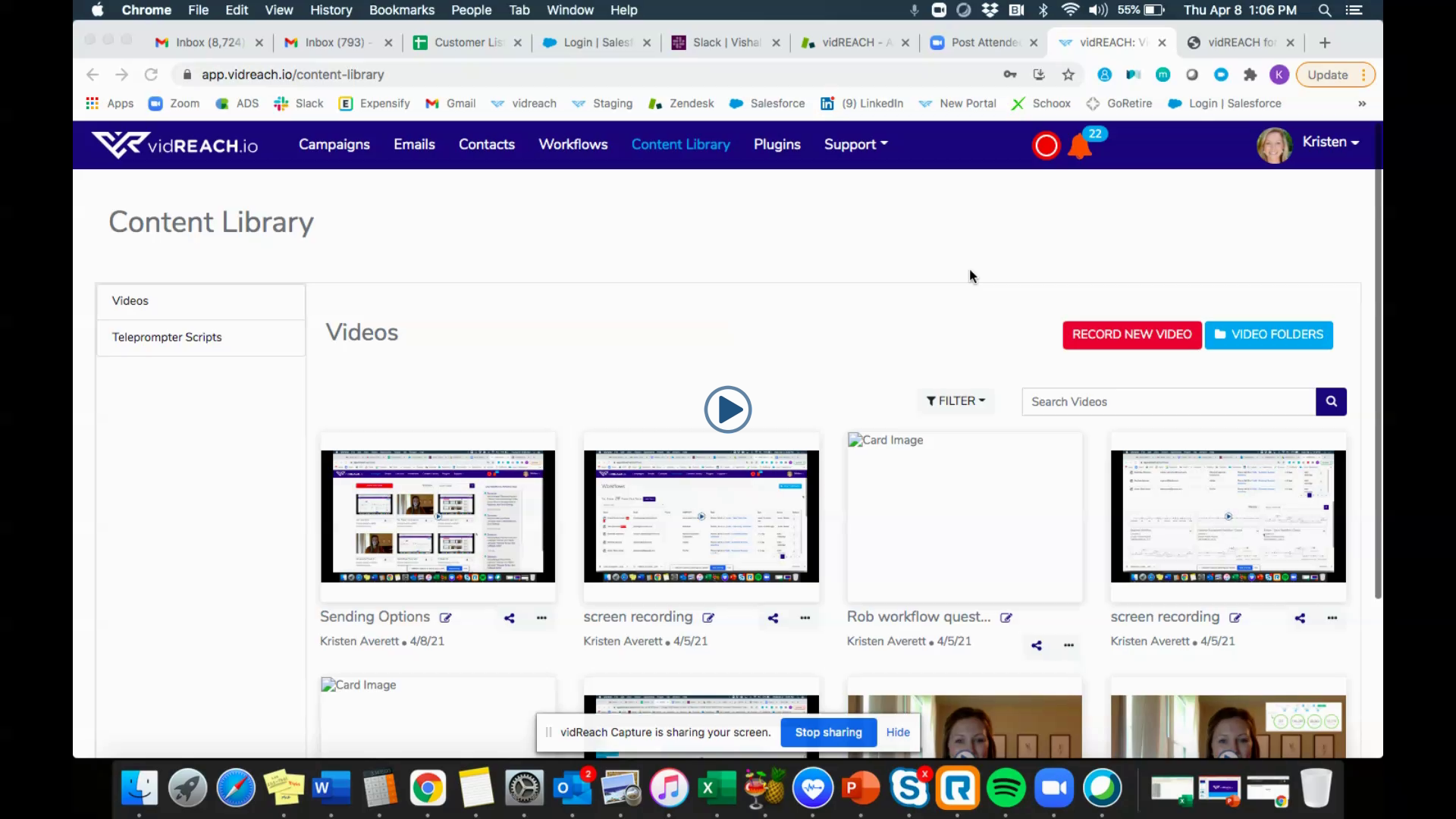
To create a teleprompter script:
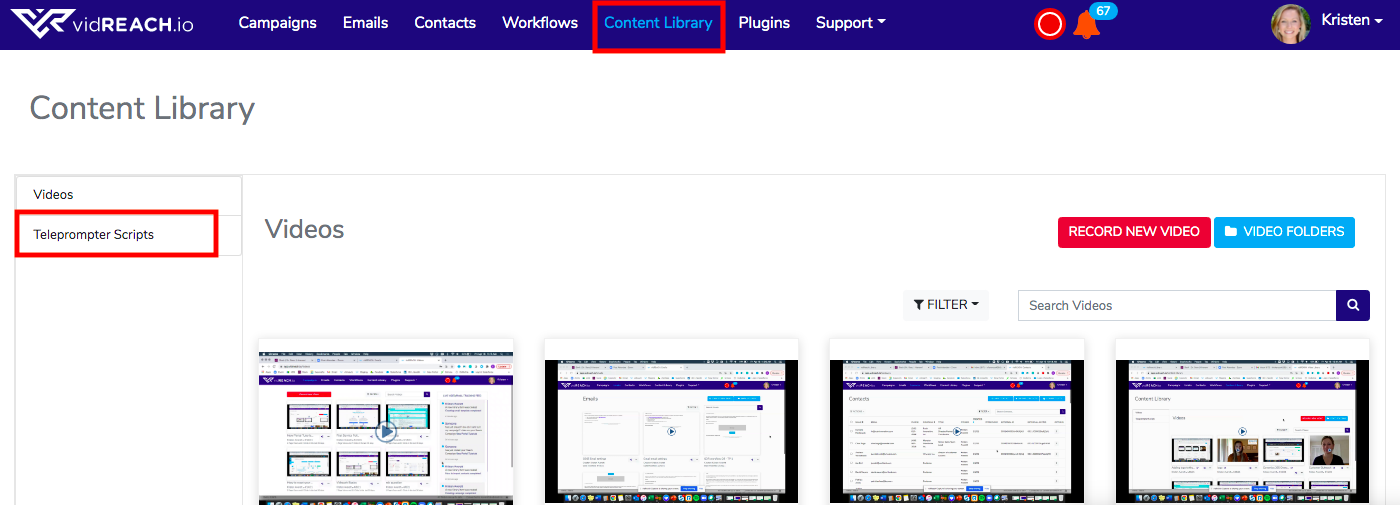
- Select 'Content Library'
- On the left select 'Teleprompter Scripts' and select 'Create New Script'
To use a teleprompter script:
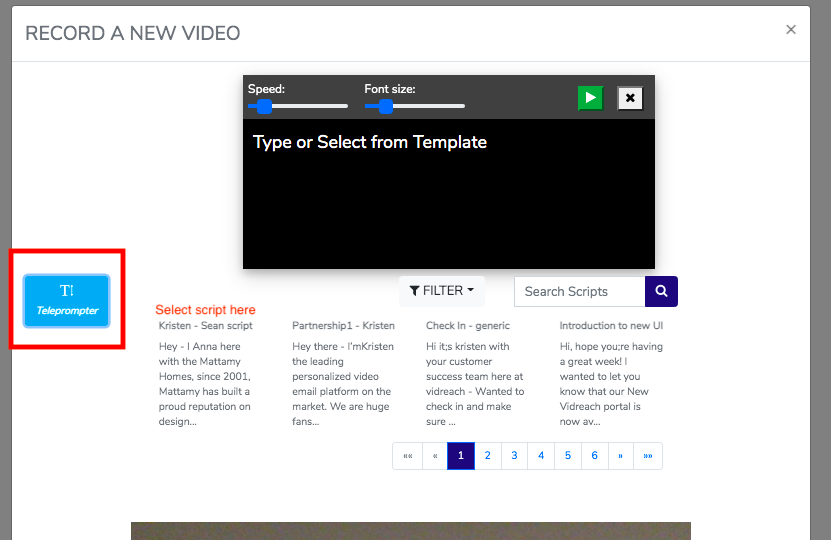
- Select 'Record New Video'
- Select blue 'T' button and select script you'd like to use
- Select record - the script will start rolling automatically when you select record
Here is a video tutorial on how to use the teleprompter scripts:
|
|