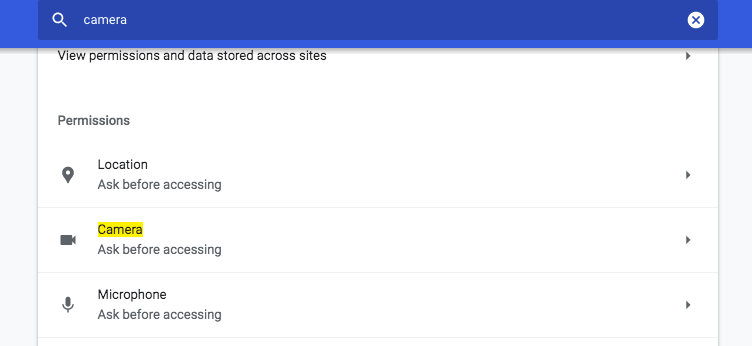
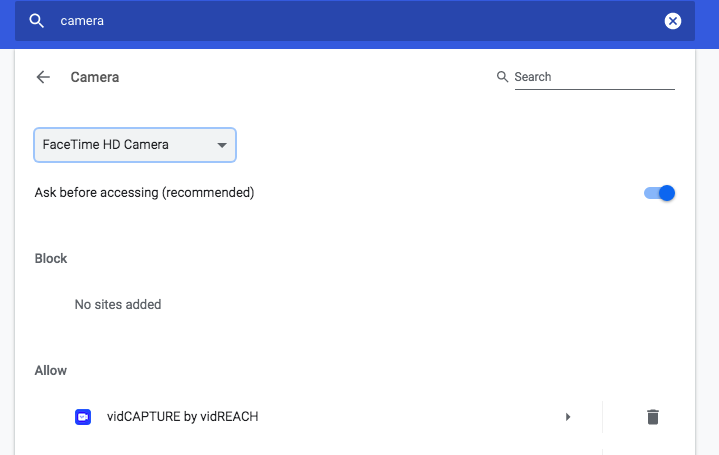
The camera and microphone that Vidreach will use will be whatever you have as your default camera and microphone within Google Chrome. Here is how your can change your default microphone or camera within Google Chrome so that Vidreach uses the correct one:
In Google Chrome go to chrome://settings and press enter
- In the Chrome settings page search for ‘microphone’ or 'camera'
- Select ‘SiteSettings’ and select Camera or Microphone
- In Default microphone or camera : select whichever mic or camera you’d like to use