In addition to sending campaigns out to prospects; you can also share your videos on social media. When you use vidREACH in this way; the topic of your video changes a bit and should become more general. Click this link to learn more about sharing campaigns on social media. And Scroll below for step by step guide in how to share on social.
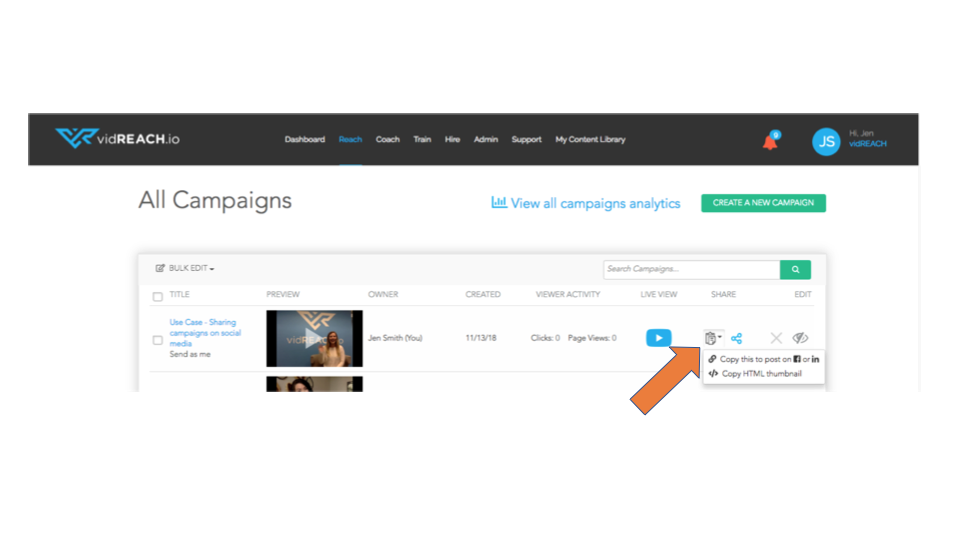
To share on social, you will need either a link or a thumbnail. To get these you simply click:
Reach > All Campaigns > Click the clipboard under share > Choose thumbnail or link (depending on what you need) > Past into social media